Wedding Seating Chart Tool vs Sign: Which One Do You Actually Need?
Wedding seating chart tool vs sign explains the difference between planning software and display signage so couples can choose the right workflow for guest lists, layouts, and reception entry.
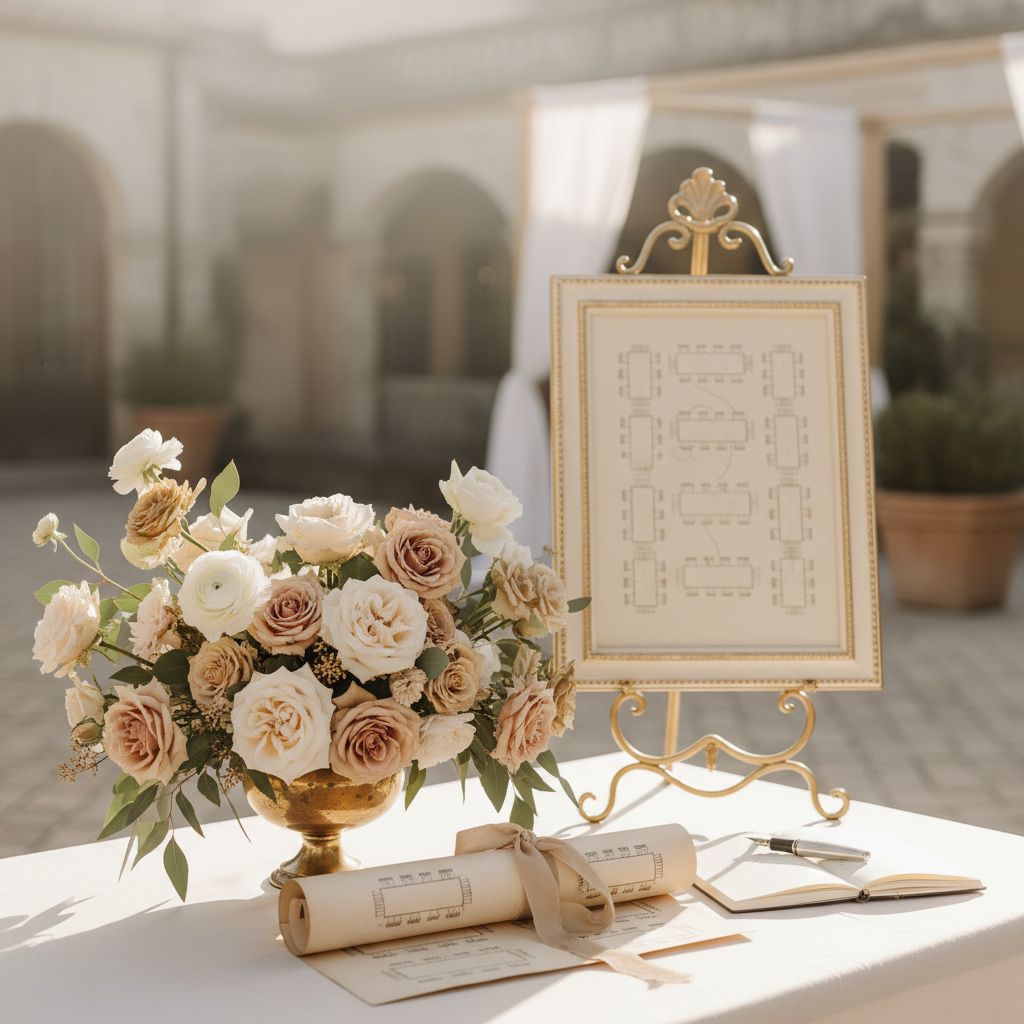
Wedding Seating Chart Tool vs Sign: Which One Do You Actually Need?
Wedding seating chart tool vs sign is one of the most useful distinctions couples can make before they spend time on the wrong workflow. A seating chart tool helps you plan who sits where. A seating chart sign helps guests find their tables once the decisions are final. Those are related jobs, but they are not the same job. Confusing them usually leads to messy exports, awkward layouts, or unnecessary redesign work right before printing.
That is why the wedding seating chart tool vs sign question matters. Couples often search for “wedding seating chart” and get a mix of drag-and-drop planners, printable posters, templates, and sign ideas. The results look similar from far away, but each one solves a different stage of the process. One helps you organize people. The other helps your guests read the final plan quickly at the reception.
This guide breaks the distinction down so you can decide what you need first, what comes next, and how to turn the final table plan into a display that actually works in the room. If you already have your assignments, you can skip straight to the wedding seating chart signs page or open AI Wedding Signs to create the final guest-facing display.
The Short Answer to Wedding Seating Chart Tool vs Sign
Use a seating chart tool when you are still making decisions.
Use a seating chart sign when the decisions are done and guests need to read them.
That is the cleanest way to think about it. A tool is a planning surface. A sign is an event-day communication surface.
You may need both. In fact, many weddings do. The tool helps you sort the guest list, track relationships, and make table adjustments. The sign turns the final answer into a readable, attractive display.
What a Wedding Seating Chart Tool Does
A wedding seating chart tool is built for the planning phase. It helps you:
- import or organize the guest list
- assign guests to tables
- move names around quickly
- track couples, families, and groups
- see the room in a more structured way
- catch conflicts before the wedding day
This is where planners, coordinators, and couples do the actual decision-making. A tool is private, flexible, and revision-heavy. It does not need to be beautiful for guests. It needs to help you think clearly.
If your seating plan is still changing every few days, you are still in tool territory.
What a Wedding Seating Chart Sign Does
A wedding seating chart sign is the finished display. It is what guests see when they arrive at the reception and want to find their table.
It needs to do a different set of jobs:
- present the final names clearly
- group names in a scannable way
- fit the entrance space
- match the rest of the wedding signage
- print cleanly at the right size
This is not where you should still be figuring out who sits next to whom. At this stage, the seating plan should be settled. The sign is all about clarity, flow, and presentation.
When You Need a Seating Chart Tool First
You need a tool first if any of these are true:
- your RSVP count is still shifting
- you have not finalized the table count
- you need to keep families together
- you are balancing friends, plus-ones, and complicated relationships
- you are working with venue floor-plan constraints
- you expect multiple rounds of revisions
This is especially true for weddings with:
- more than about 70 guests
- multiple long tables
- family sensitivities
- many out-of-town guests who do not know one another
- a planner or venue asking for organized seating data
In those cases, a tool saves time because it supports ongoing movement.
When You Need a Seating Chart Sign
You need a sign when:
- table assignments are final
- you know how many names must be displayed
- you are ready to think about readability and style
- you need a file for print
- you want the seating display to match the rest of the suite
This is where the design question finally becomes useful. Before the guest list is stable, design work is usually premature.
Why a Tool Does Not Replace the Sign
This is the biggest misunderstanding in the wedding seating chart tool vs sign conversation. A planning tool can export information, but that does not mean the result automatically works as reception signage.
Planning layouts often:
- prioritize editing convenience over guest readability
- show internal labels guests do not need
- use table shapes or floor-plan visuals that clutter the final display
- create cramped exports if the guest count is large
A printed seating chart sign needs a different visual logic. It should lead the eye fast, not document your planning process.
That is why many couples build the seating plan in one place and the final sign in another.
The Best Wedding Seating Chart Sign Formats
Once the table plan is final, you still need to choose the right display format. Common options include:
- alphabetical by guest last name
- grouped by table number
- split by table blocks with headings
- mirror or acrylic display
- board-mounted print
Each one changes how quickly guests can find themselves.
Alphabetical Seating Chart Sign
Best when:
- guest count is high
- you want the fastest scan path
- table numbers do not matter until after guests find their names
This is often the most guest-friendly choice.
Table-by-Table Seating Chart Sign
Best when:
- the wedding is smaller
- table names or table styling matter to the experience
- the list is short enough that guests can scan without frustration
This format can look beautiful, but it becomes slower to use as guest count rises.
For deeper structure advice, use the seating chart wording and etiquette guide.
Wedding Seating Chart Tool vs Sign by Wedding Size
Small Wedding
For a smaller guest list, you may not need a sophisticated seating tool. A spreadsheet or simple planning layout might be enough. But you still may want a polished sign if the display is part of the entrance experience.
Medium Wedding
This is where many couples benefit from both. The tool helps you finalize groups efficiently. The sign makes the final assignments elegant and readable.
Large Wedding
Large weddings almost always benefit from both stages. A planning tool supports the logistics. A dedicated sign layout supports guest flow.
At higher guest counts, the sign format matters more because bottlenecks form quickly if guests cannot scan it fast.
Wedding Seating Chart Tool vs Sign for Different Roles
Couples Planning Themselves
If you are managing the list yourself, use a tool while the RSVP list is active. Once the plan is final, move into sign mode and think about print size, grouping, and entrance placement.
Wedding Planners
Planners often need a more structured planning layer because they are coordinating with vendors, floor plans, and family dynamics. But the final sign still needs to look like part of the wedding, not like a planning spreadsheet on foam board.
Venues
Venues care about guest flow and setup. That means the sign becomes a service tool as much as a design object. The clearer the display, the faster guests move into the room.
Common Mistakes in the Wedding Seating Chart Tool vs Sign Workflow
Designing the Sign Too Early
If the names are still moving, you are not ready for sign design. Early design creates rework.
Printing a Raw Tool Export
A planning export may technically contain the information, but it often does not read well in a live reception environment.
Choosing Style Over Scan Speed
Beautiful signs still need to function. If guests cannot find their names fast, the display is not doing its job.
Forgetting About Size
Even a well-organized sign fails if it is too small. Guest count should influence the print dimensions from the start.
A Better Workflow: Tool First, Sign Second
A simple workflow looks like this:
- collect RSVPs
- use a planning tool or structured list to assign tables
- finalize names and numbers
- choose the display format
- create the final sign at print size
- print and stage the display near the reception entrance
This sequence keeps the planning work separate from the presentation work, which reduces stress late in the process.
How to Know You Are Ready to Move From Tool to Sign
You are ready when:
- table counts are final
- plus-ones are resolved
- family groupings are stable
- venue layout is not changing
- you know where the sign will live
- you can export the final list once without expecting another big change
At that point, stop thinking like a planner and start thinking like a guest.
The Sign Still Needs Design Decisions
Once you move into sign mode, the real questions become:
- alphabetical or by table?
- how big should the sign be?
- what material fits the rest of the suite?
- how many names can guests scan comfortably?
- what heading structure works best?
This is where a tailored sign workflow matters more than a planning tool. The final product should feel cohesive with your welcome sign, table numbers, and reception signage.
You Probably Need Both, Just at Different Times
For many weddings, the answer to wedding seating chart tool vs sign is not “either/or.” It is “both, in sequence.”
Use the tool to think.
Use the sign to communicate.
That distinction keeps the process cleaner and the guest experience stronger.
If you already know the seating plan, skip the planning noise and create the final display with AI Wedding Signs. You can turn the completed list into a clear wedding seating chart sign that matches your style, fits the room, and helps guests find their tables fast.
Sources
- Title: 30 Creative Wedding Signs That Will Welcome or Direct Your Guests Publisher: Martha Stewart Publication Date: May 12, 2023 URL: https://www.marthastewart.com/7934526/signs-real-weddings
- Title: 16 Times Event Wayfinding Perfectly Blended Style and Function Publisher: BizBash Publication Date: January 21, 2026 URL: https://www.bizbash.com/event-design/standout-directional-signage-at-events
- Title: 2010 ADA Standards for Accessible Design Publisher: ADA.gov Publication Date: September 15, 2010 URL: https://www.ada.gov/law-and-regs/design-standards/2010-stds/
Make It With AI Wedding Signs
Create Your Sign
Use AI Wedding Signs to turn this guide into a polished sign with editable copy, fast revisions, and print-ready export sizes.
Keep Exploring
Wedding Seating Chart Signs
Once the planning is done, move into the printed seating chart display that guests will actually use.
Seating Chart Wording & Etiquette
Use the wording guide to finalize how the names and table labels should appear on the sign.
Create a Seating Chart Display
Turn the final table assignments into a reception-ready seating chart sign.